Story to Image: Turn Your Story Into Illustrated Images
Paste a story and Story to Image turns it into a coherent set of illustrated images—no prompts to write or scenes to split yourself.
How to turn a story into images
Paste your story
Enter a short story, scene, or chapter. Story to Image reads the narrative—you do not need to write image prompts.
Generate illustrated scenes
We split the story into coherent scenes and generate a matching set of illustrated images in your chosen style.
Review and download
Check the sequence, adjust style or prompts if needed, then download the images for your storyboard, comic, or post.
Let your story automatically transform into a set of illustrated images.
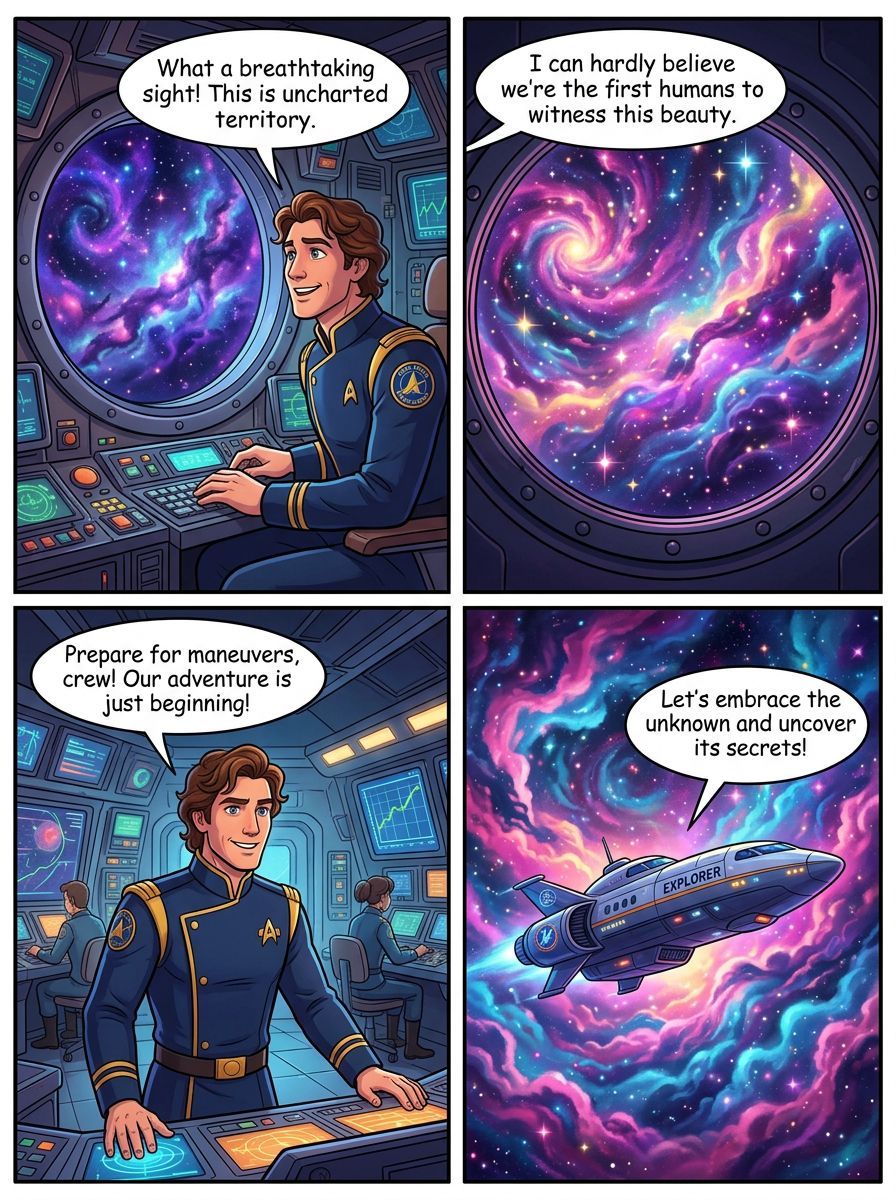
No need to write prompts or split the content yourself; just input a piece of text, and we will automatically understand your story and generate a series of coherent and logical images.
Green simple line drawing
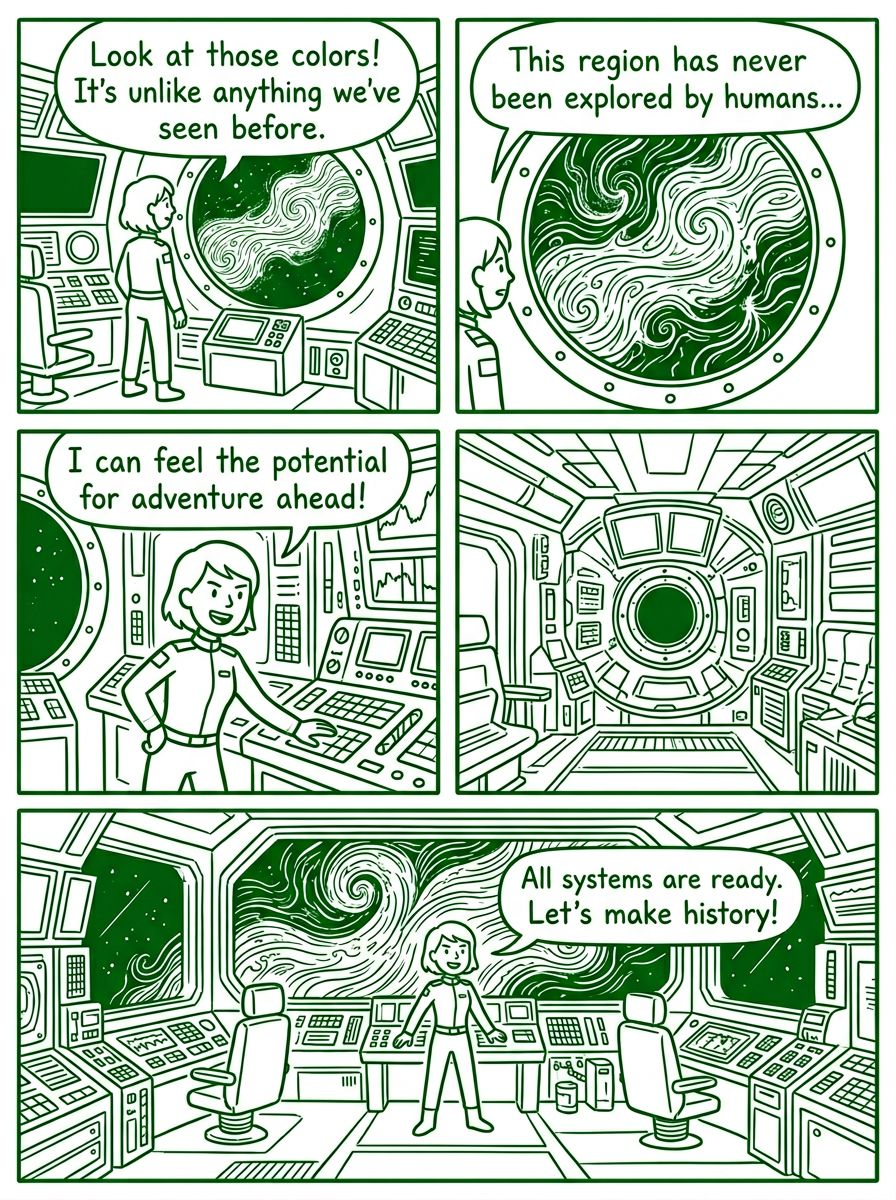
Choose the "green simple line style," and the AI will include the corresponding style prompt in the image prompt to generate images in that style. You can fully manually input the style you need or adjust the storyboard (image prompt) through conversation with the AI.
Frequently asked questions
Related
- Text to story images — paste a story, get illustrated scenes
- AI story illustrator for coherent scene sequences
- Generate images from a story without writing prompts
- Storyboard generator AI — multi-panel sequences from your story
- Children story illustration AI for picture-book drafts
- Turn a story into pictures with a coherent scene sequence
- Illustrate my story — paste text, get a coherent illustration sequence
- Story to comic generator — comic-style panels from your story
- AI storybook illustration generator for draft sequences
- Story to scene images — illustrated scene sequences from your story
- Illustrate my children’s book — manuscript to illustration sequence
- Story to illustration AI — coherent illustration sequences from your story
- Story to drawing AI — sketch and line-art sequences from your story
- How to illustrate a story with AI — step-by-step coherent scenes
- AI that illustrates stories — try a coherent story-illustration tool
- Visualize your story AI — coherent illustration sequences from your narrative
- Bring my story to life AI — illustration sequences (not video)
- How to illustrate a short story — AI scene steps for coherent panels
- See Story to Image pricing
- Browse example story illustrations