故事转图片
自动将您为您的故事进行分镜,并生成连环画。
如何使用 PSD 转 PNG 转换器:完整指南
1
上传您的 PSD 文件
首先使用文件浏览器或拖放功能上传您的 PSD 文件。我们的 PSD 转 PNG 转换器支持所有标准 Photoshop 文件,并在您的浏览器中本地处理,实现即时转换,无需任何服务器上传。
2
等待处理
我们的 PSD 转 PNG 转换器将自动解析您的 Photoshop 文件并渲染所有可见图层。处理完全在您的浏览器中进行,确保最大的隐私和速度。处理完成后,您将看到转换后图像的预览。
3
下载 PNG 或 JPG
选择您喜欢的格式并下载转换后的图像。我们推荐 PNG 格式以获得更好的质量和透明度支持,而 JPG 则适合较小的文件大小。两种格式都在本地处理,可立即下载。
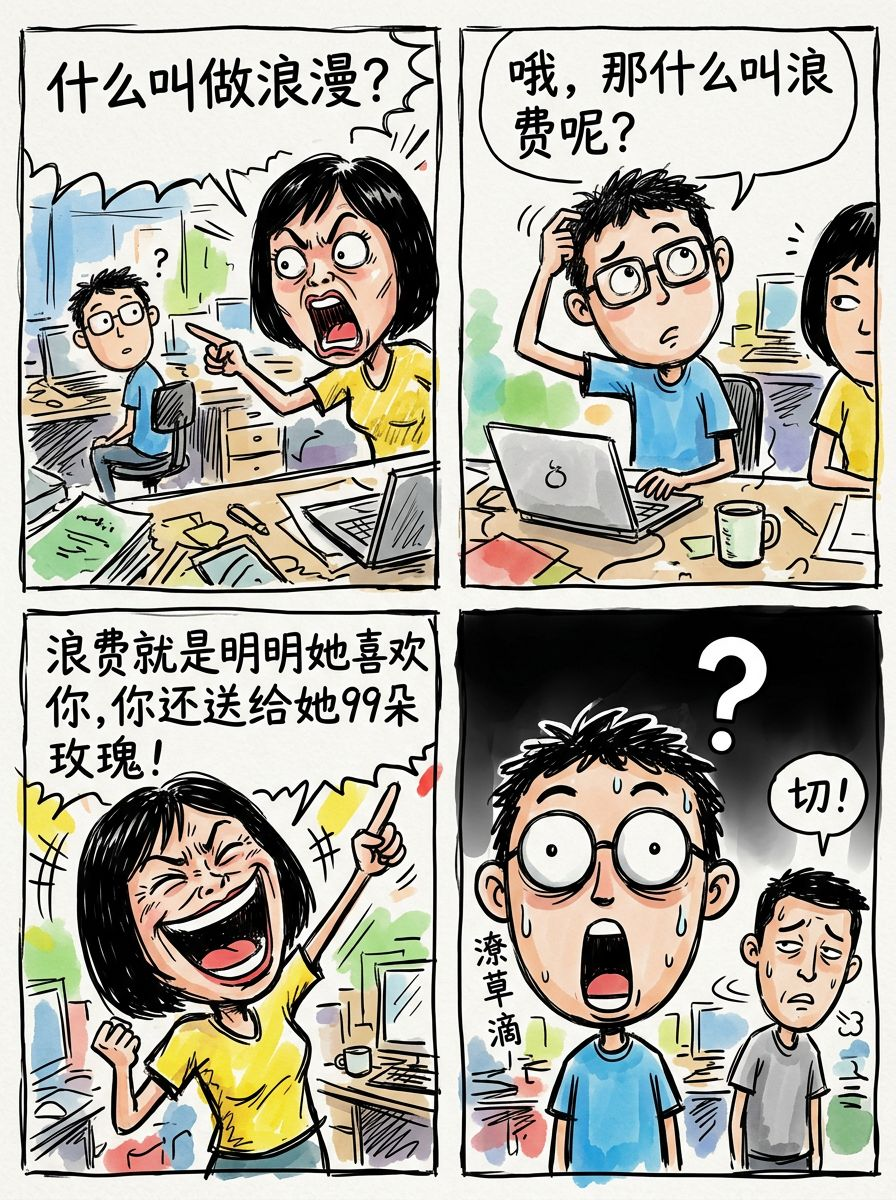
让你的故事,自动变成一组有画面的图片
无需写提示词,也不用自己拆分内容 只需输入一段文字,我们会自动理解你的故事,并生成一组连贯、有逻辑的画面
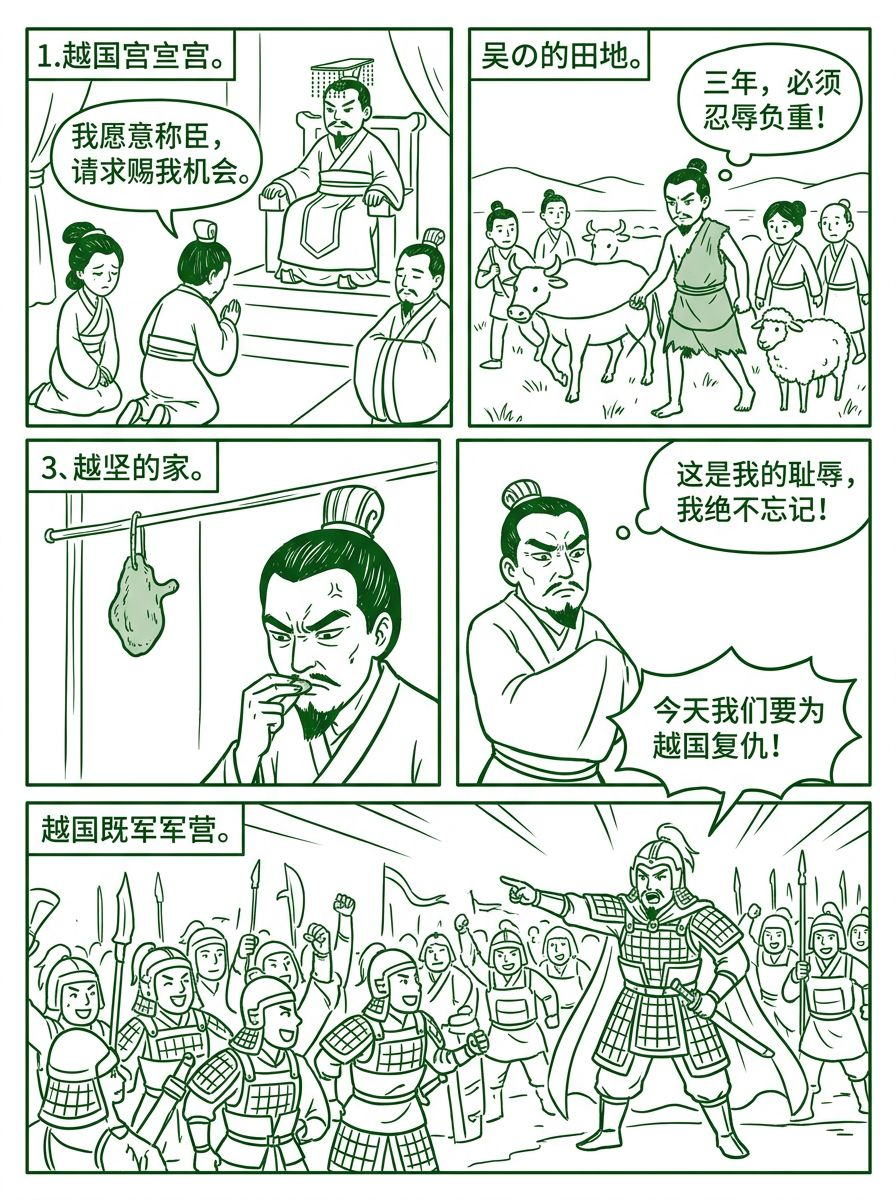
绿色简笔线条
选择”绿色简笔线条“风格,AI会在图片提示词中携带对应的风格提示词,生成一下风格的图片。您可以完全手动输入您需要的风格,或者通过与AI对话调整分镜脚本(图片提示词)。
常见问题
Related
- Text to story images — paste a story, get illustrated scenes
- AI story illustrator for coherent scene sequences
- Generate images from a story without writing prompts
- Storyboard generator AI — multi-panel sequences from your story
- Children story illustration AI for picture-book drafts
- Turn a story into pictures with a coherent scene sequence
- Illustrate my story — paste text, get a coherent illustration sequence
- Story to comic generator — comic-style panels from your story
- AI storybook illustration generator for draft sequences
- Story to scene images — illustrated scene sequences from your story
- Illustrate my children’s book — manuscript to illustration sequence
- Story to illustration AI — coherent illustration sequences from your story
- Story to drawing AI — sketch and line-art sequences from your story
- How to illustrate a story with AI — step-by-step coherent scenes
- AI that illustrates stories — try a coherent story-illustration tool
- Visualize your story AI — coherent illustration sequences from your narrative
- Bring my story to life AI — illustration sequences (not video)
- How to illustrate a short story — AI scene steps for coherent panels
- See Story to Image pricing
- Browse example story illustrations
- English homepage: Story to Image